The integrator's job,
in the GC's
hand.
ROC plugs into the cabinet and gives the back office a secure path to the baseband unit. The integrator runs the configuration and software install from the desk — the GC stays on site, presses one button, and goes home.
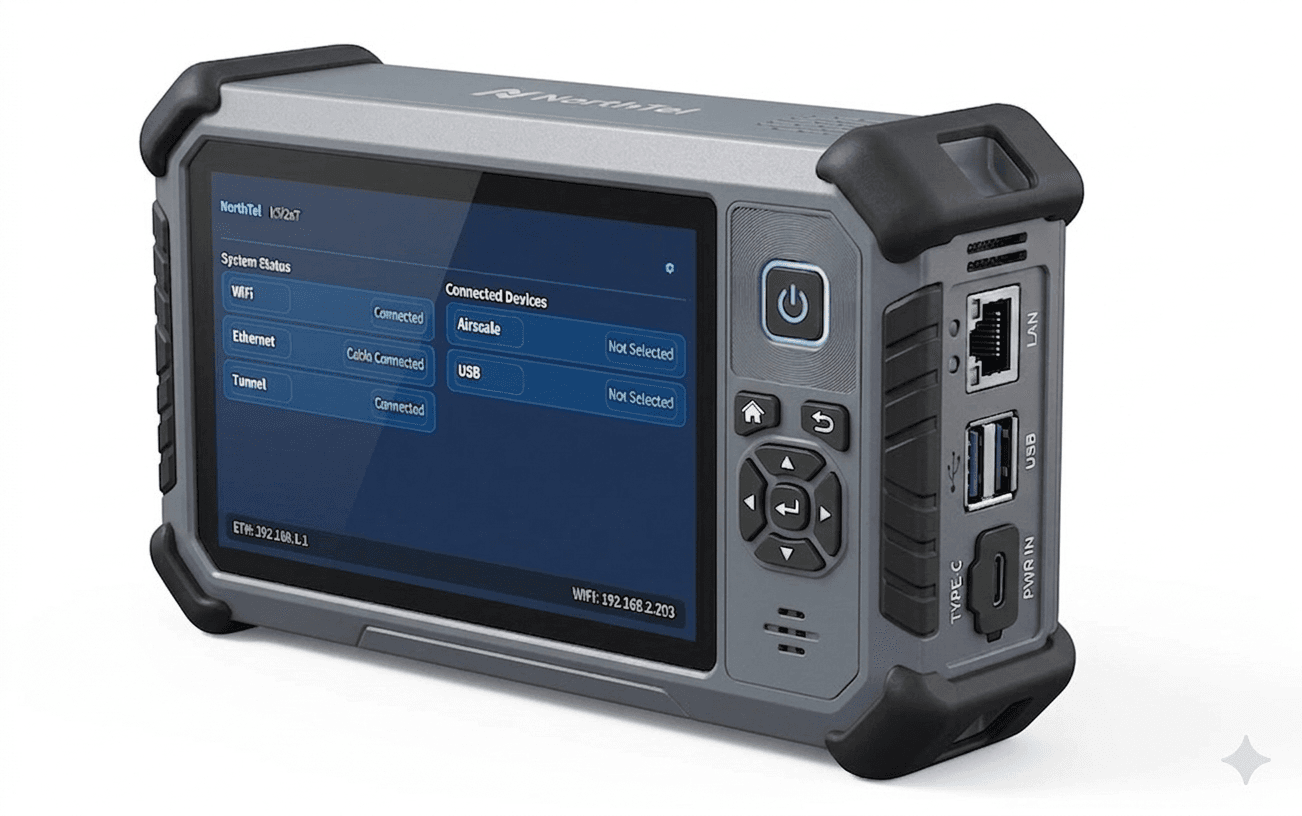
The integrator never gets on a plane.
Today, baseband configuration and software install means an integrator on site with a laptop tethered to the cabinet. With ROC, that work happens from the back office — and the GC handles the physical work alone.
Two crews, one cabinet
GC waits for the integrator. Integrator flies in with a laptop, tethers to the Airscale, configures the baseband and pushes software. Two mobilizations per site.
One crew, one mobilization
GC plugs ROC into the cabinet. Integrator opens the portal, configures the baseband and pushes software remotely. GC presses one button when prompted and the site is live.
Every site visit avoided is a safety win.
The industry is converging on a simple truth: fewer people on site means fewer incidents. NorthTel takes the integrator's visit out of the loop — fewer driving hours, fewer parking-lot hours, lower incident exposure per site live.
Four things, done flatly well.
The ROC isn't a laptop replacement that does everything badly — it's a focused field tool that does the high-friction parts of bring-up exceptionally well.
GC plugs in. Back office takes over.
Tower crew arrives, plugs ROC into the cabinet, and presses a single button when prompted. The integrator at the desk handles configuration and the software push end-to-end.
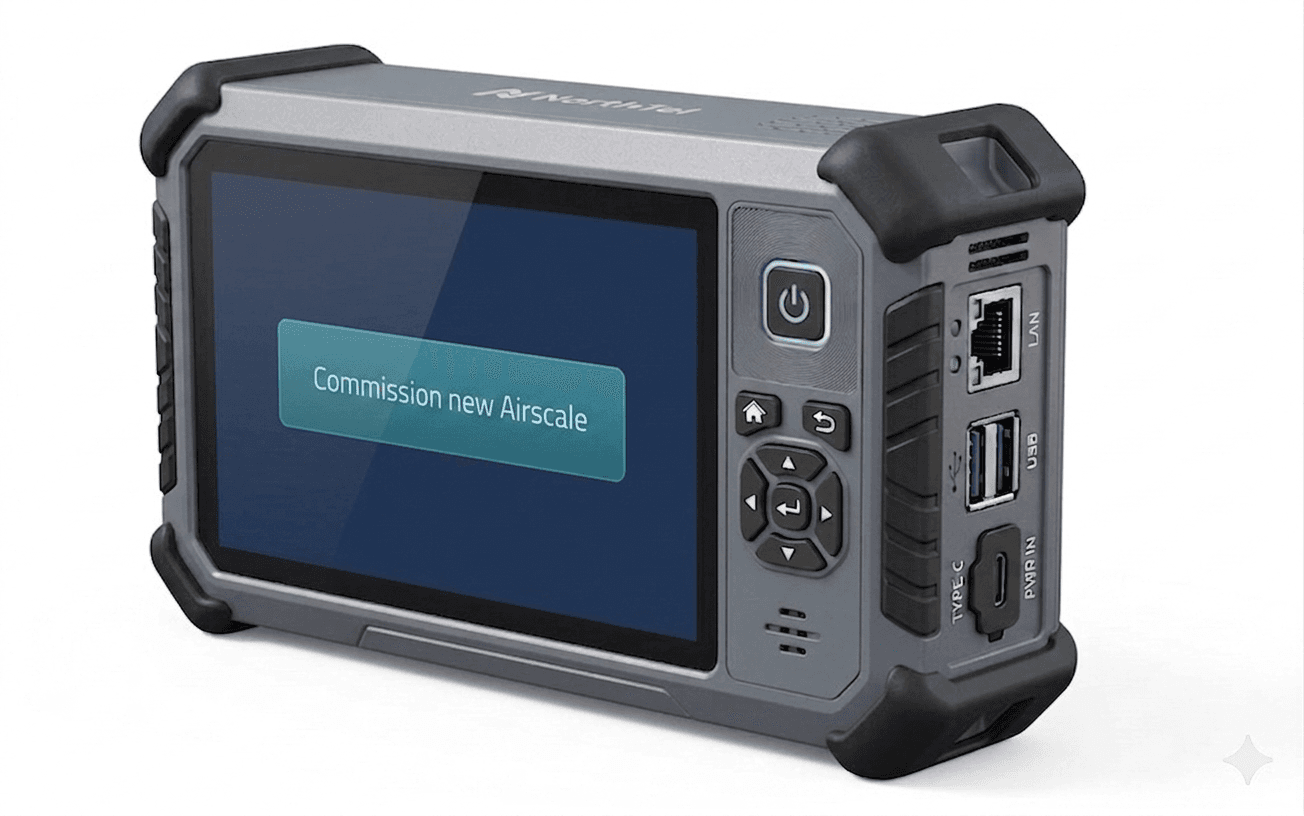
Backhaul-independent
Site deployments happen before the network exists. ROC carries its own out-of-band path to the back office, so the integrator can reach the baseband even before transport is provisioned.
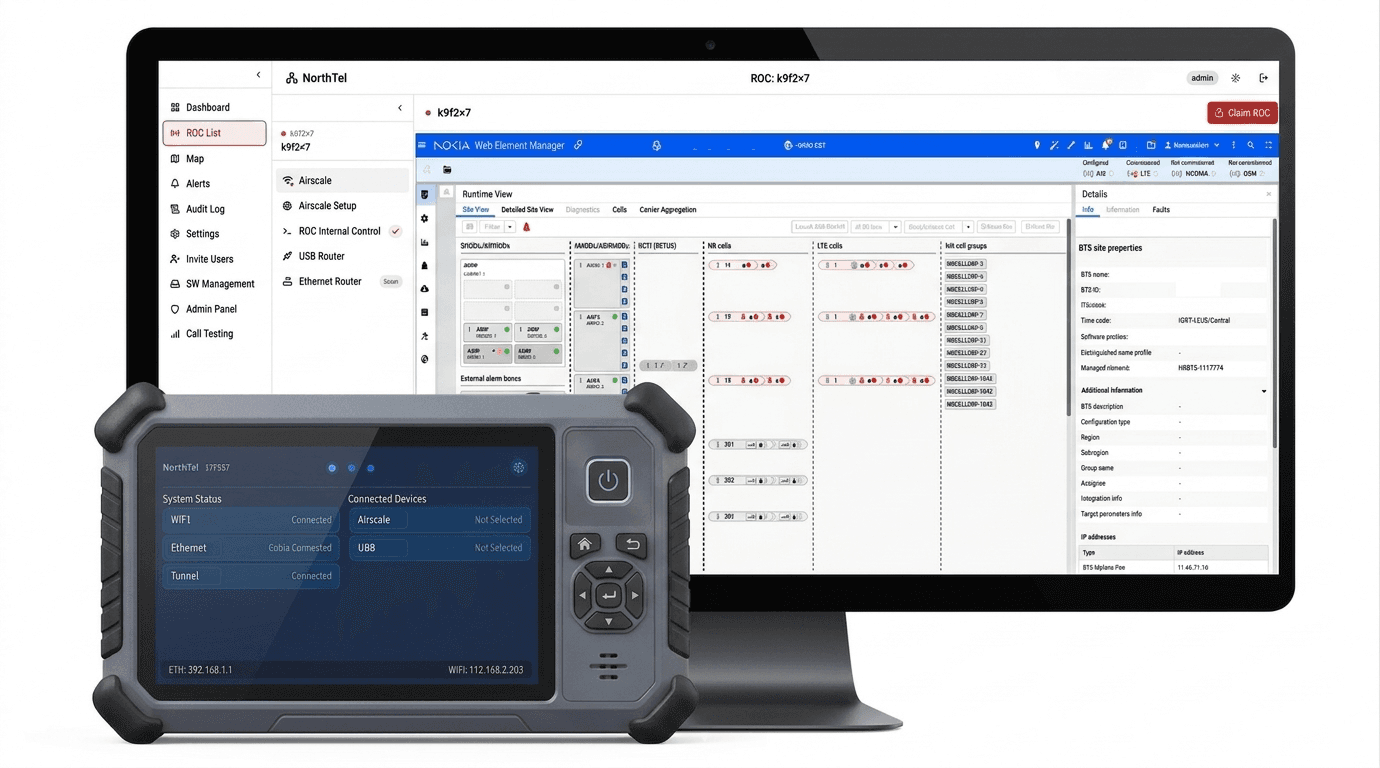
Built for a glove, not a desk
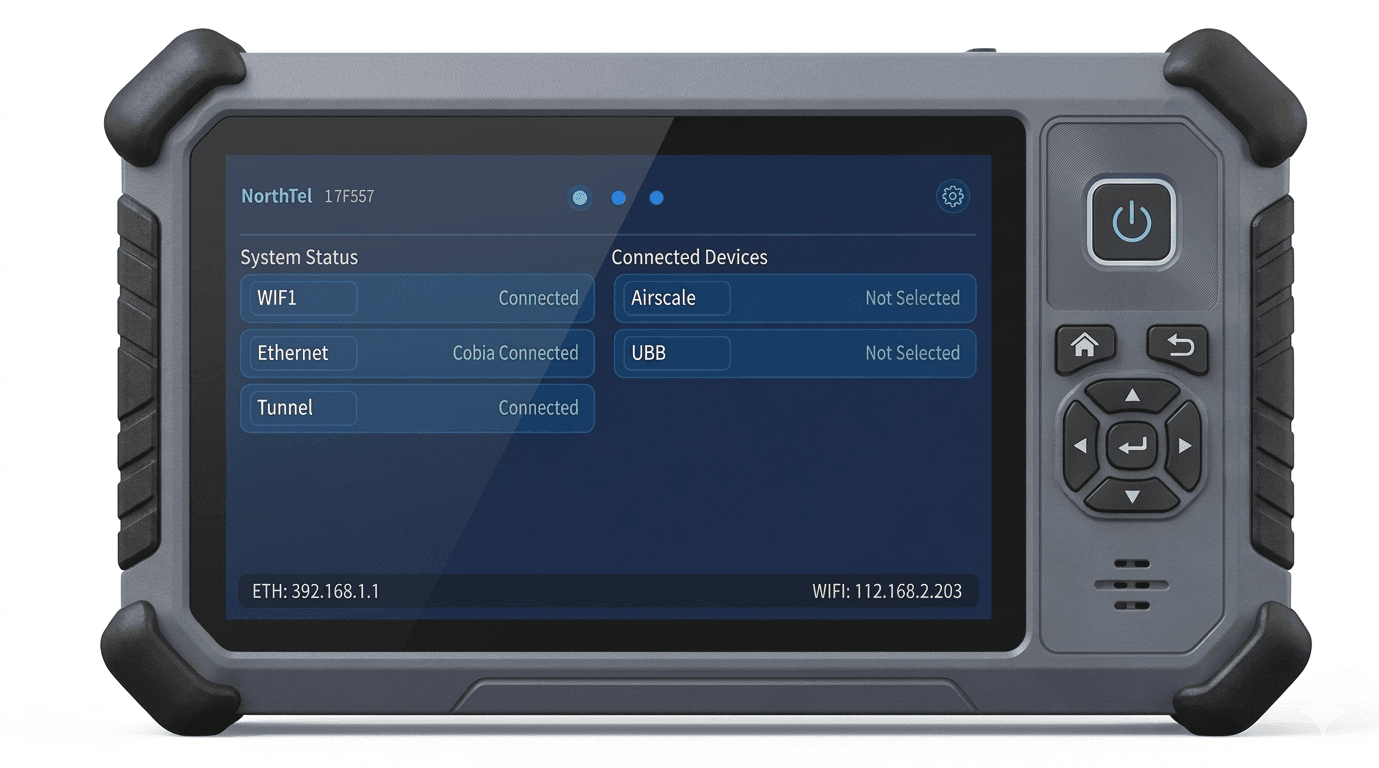
A handheld terminal — small enough to hold one-handed, ruggedized for the cabinet floor. No laptop case, no cart, no chair. The GC carries it next to the rest of their tools.
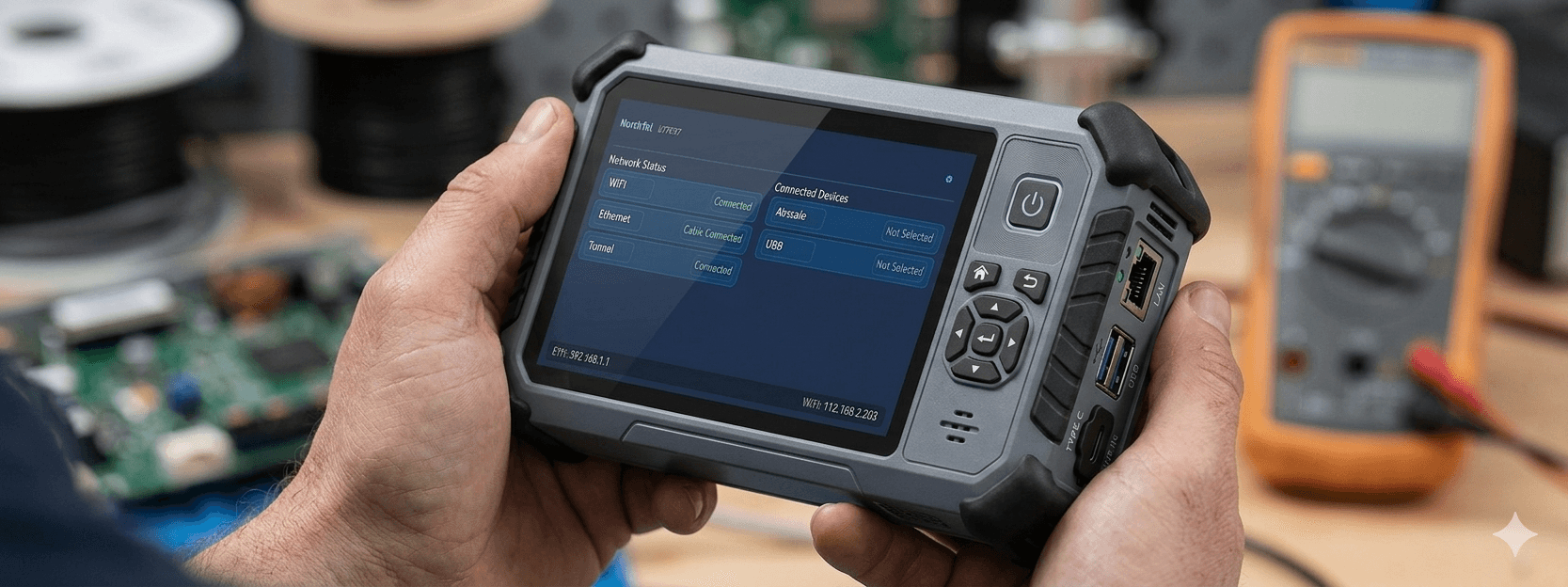
Zero training for the GC
The full UI is connection status and a small set of obvious actions. The integrator has expertise; the GC has a button. Anyone on the crew can run it on day one.
Specs that matter for the crew.
Built around the realities of cabinet floors, parking lots and tower bases — not a conference room.
From parking lot to live cell, in five steps.
The full ROC workflow on a typical new-site bring-up — including what's automated and what the crew still does.
GC arrives
GC plugs ROC into the Airscale cabinet. Power on. Connection status comes up green.
Integrator claims it
Engineer at the desk opens the portal, claims the ROC, and reaches the baseband unit through the secure link.
Configure & push
Site config and software image are pushed to the baseband from the desk. Logs stream to the portal in real time.
GC confirms
GC presses the highlighted button on the device when prompted. ROC verifies and reports back to the integrator.
Site is live
Commissioning record is auto-saved to the audit log. GC leaves. No second mobilization. No paperwork.
Run a pilot at one site.
See what changes at every site.
Tell us about your bring-up calendar and a site you'd like to start with. We'll ship hardware and walk through the portal setup with your team.
info@north-tel.comTypical reply within one business day · NDA available on request